Saving & Sharing Custom Reports
Once you’ve finished building your custom report, Digits makes it easy to collaborate, share, and distribute it with clients or teammates.
Add Comments Before or After You Share
Add comments anywhere in the layout:
Click the speech bubble icon next to a section
Use @mentions to tag teammates or request input

For full setup instructions, see: Creating a Custom Report
Collaboration/Sharing
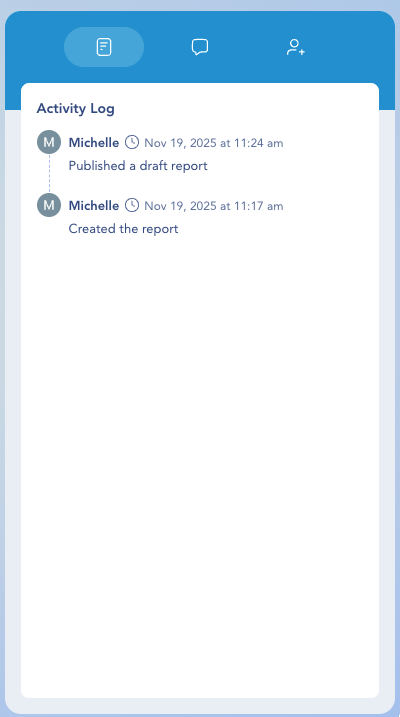
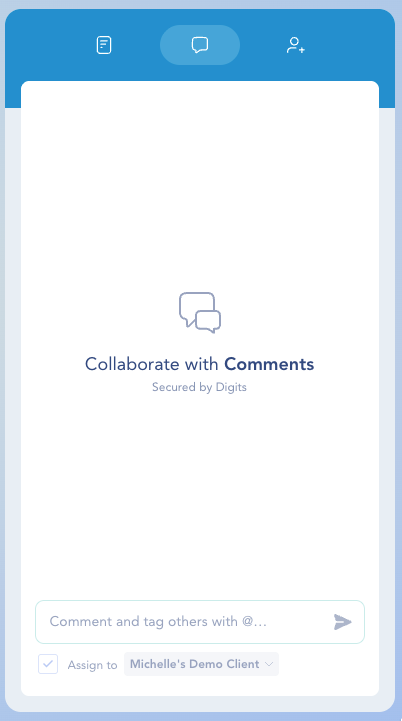
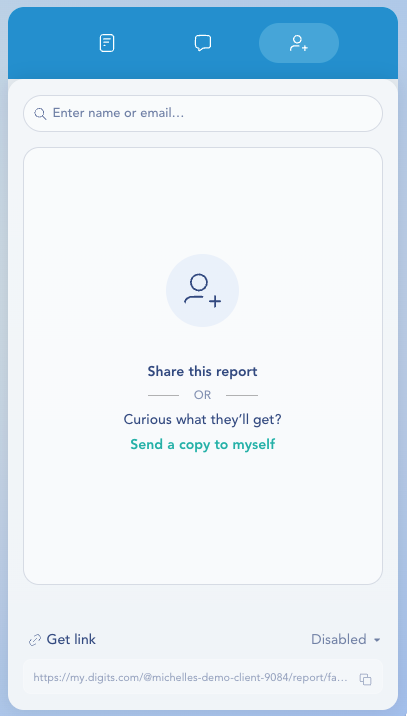
Once you publish the Draft or the Final Version, the collaboration panel automatically appears on the right. This panel gives you everything you need to track activity, leave comments, @mention teammates or clients, and manage sharing access.
The same collaboration tools remain available for both draft and final published reports.
Report Activity
Shows the full history of the report — creation, edits, shares, and publish events.

Comments
Leave comments, tag teammates with @mentions, and track feedback or follow-ups.

Share Report
Share via name/email, Send a copy to myself, or Get link for a secure shareable URL.

Print / Save as PDF
Click the Print icon in the Draft or Final version of your report.
Select your printer or print to PDF to save.

Need to download P&L, Balance Sheet, Cash Flow, AR/AP Aging, or multiple reports at once? See Downloading Financials.
Frequently Asked Questions
Need help? Contact us at [email protected].